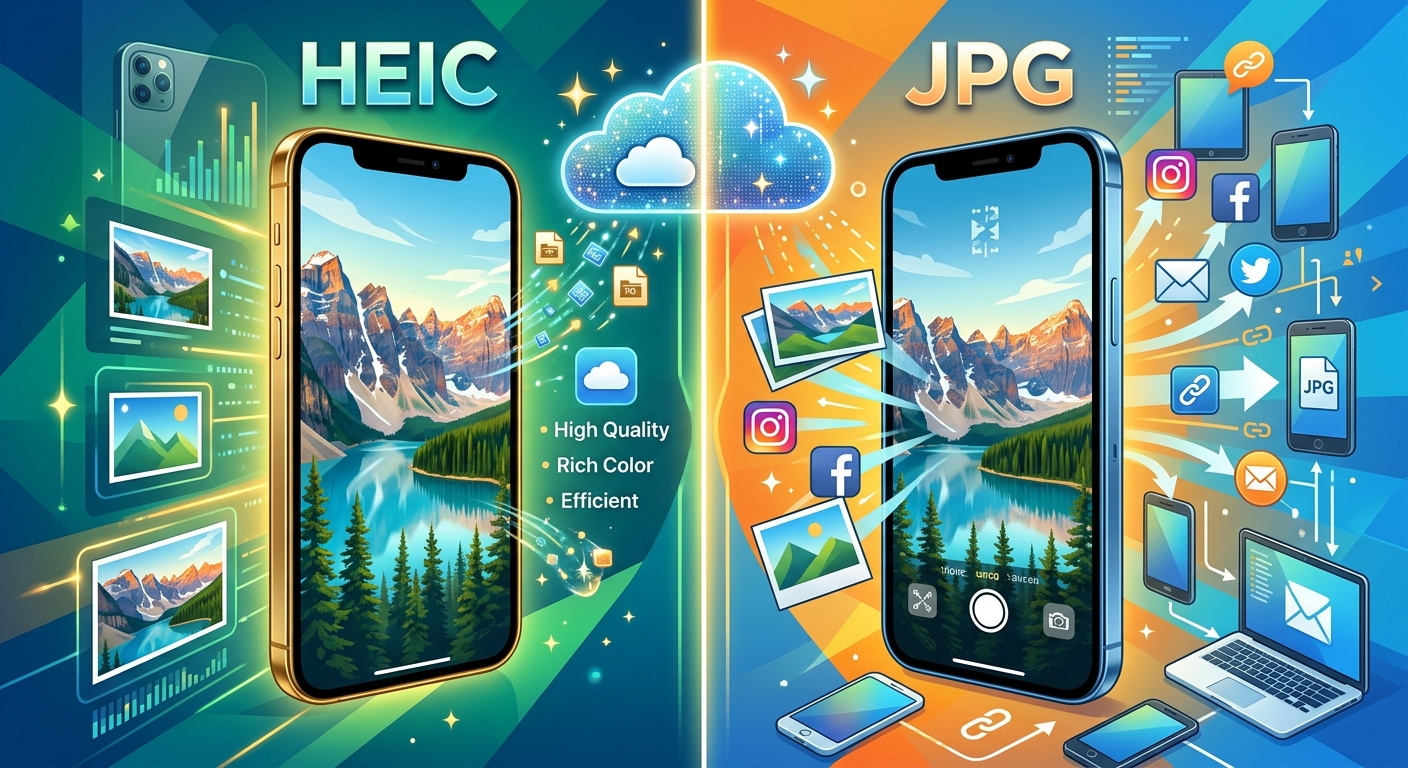
Your iPhone takes a photo. You share it with a friend on Android. They send back a confused message: they cannot open the file. That small moment of frustration is the HEIC format introducing itself in the most inconvenient way possible. It is a powerful format with real advantages. But it is one that the rest of the digital world has not fully caught up with yet.
Understanding what HEIC actually is, and how it compares to JPG in plain, practical terms, makes those moments of confusion much easier to handle. It also helps you decide when converting between the two formats genuinely makes sense.
The Short Version
HEIC is Apple's default camera format, designed to store photos at roughly half the file size of JPG with no noticeable quality drop. It is the best choice for keeping your iPhone storage in check. The drawback is compatibility. Many non-Apple platforms, Windows computers included, still expect JPG. Understanding when to convert, and in which direction, keeps your photos shareable and your storage under control at the same time.
What HEIC Is and Why Apple Chose It Over JPG
HEIC stands for High Efficiency Image Container. It is the file format your iPhone uses to store camera photos when you leave the settings at their default.
The format is built on HEIF compression, developed by the Moving Picture Experts Group. HEIF borrows its compression approach from modern video encoding technology. That is what gives it such a significant size advantage over older formats like JPG.
Apple switched to HEIC as the default camera format starting with iOS 11 in 2017. The motivation was straightforward. iPhone cameras were getting better every year. Higher resolution sensors produced larger photo files. Storage on an iPhone is fixed and finite. Something had to change.
JPG has been around since the early 1990s. It is one of the most widely used image formats ever created, and for good reason. It works everywhere. But its compression technology is decades old. HEIC achieves similar visual results with a much smaller output file, because it draws on the same compression advances that made 4K video streaming possible over a mobile connection.
In short, HEIC is a modern answer to a storage problem that JPG was never designed to solve.
How File Size and Image Quality Actually Stack Up
The difference in file size between HEIC and JPG is not marginal. A photo taken on an iPhone that would weigh around 4 to 5 megabytes as a JPG typically comes in at 2 to 2.5 megabytes as a HEIC. That is a reduction of roughly 50 percent.
The image quality does not suffer proportionally. HEIC retains more detail at the same compression level. It handles edges, shadow gradients, and subtle colors better than JPG at equivalent file sizes. The visual difference is hard to spot in a standard print or screen view, but it becomes noticeable when you zoom into fine textures or look at challenging lighting conditions.
Over time, those savings accumulate fast. A person who takes 200 photos a month would store roughly 400 to 500 megabytes in JPG format. The same photos in HEIC might occupy 200 to 250 megabytes. Across a full year, that is several gigabytes of reclaimed space without deleting a single image.
HEIC and JPG Side by Side
| Feature | HEIC | JPG |
|---|---|---|
| Typical file size | Roughly half the size of JPG | Larger per image |
| Image quality at equal file size | Higher, with better detail retention | Lower at the same compression level |
| Default iPhone camera format | Yes | Optional via camera settings |
| Windows compatibility | Needs a codec on many versions | Built in, no setup needed |
| Android compatibility | Limited, often requires conversion | Universally supported |
| Web browser support | Partial (Safari, newer Chrome) | Universal across all browsers |
| Image editing software | Growing support, not yet universal | Supported in every application |
Why HEIC Causes Problems Outside Apple Devices
Within Apple's ecosystem, HEIC is seamless. iPhones, iPads, and Macs all read and display HEIC files without any setup required. iCloud handles them natively. The Photos app treats them like any other image format.
The friction starts the moment a HEIC file leaves that ecosystem.
Windows 10 and Windows 11 added HEIC support, but many users need to install the HEVC Video Extensions from the Microsoft Store before their PC will open these files. That is a step most Windows users have never taken. Many do not even know it exists.
Android does not natively open HEIC files. Some gallery apps on newer Android phones handle them with updates, but many older devices cannot. When you send a HEIC photo to an Android user through a standard messaging app, they may receive a file their phone refuses to display.
Web browsers have partial and inconsistent support. Safari handles HEIC well. Some versions of Chrome have added support. But many content management systems, e-commerce platforms, and website builders still do not accept HEIC file uploads at all. Uploading to these platforms often fails silently or produces broken images.
When Staying with JPG Is the Smarter Move
JPG is not outdated. It remains the most universally understood image format ever created. There are clear situations where it is still the cleaner choice, even for iPhone users who shoot in HEIC by default.
- Sharing photos directly with Android users through messaging apps or email
- Uploading product images or blog photos to websites and content management platforms
- Sending image attachments to clients or colleagues on Windows machines
- Printing through third-party services that only accept standard formats
- Editing in older versions of Photoshop, Lightroom, or other tools with limited HEIC support
- Submitting photos to stock image libraries, which typically require JPG or TIFF
If your photos regularly move beyond Apple devices, JPG removes the uncertainty. There is no risk that a recipient sees a blank file or an error message they do not know how to fix.
You can also change your iPhone camera to output JPG permanently. Go to Settings, then Camera, then Formats, and select Most Compatible. Your camera will shoot in JPG from that point on. You give up some storage efficiency, but every file you create will open anywhere without a conversion step in between.
The Reverse Scenario: Moving JPG Photos Back into HEIC
Most of the conversation around HEIC and JPG focuses on converting away from HEIC for sharing purposes. But there is a genuine and practical use case for going the other direction.
Imagine someone who used the Most Compatible camera setting for a couple of years and now has thousands of JPG photos stored in iCloud. They want to consolidate their library, reduce their iCloud storage bill, and keep everything in a consistent format as they move forward. Converting those older JPG photos into HEIC can recover meaningful space without deleting a single image.
Here are the main reasons you might want to convert JPG files into HEIC:
- You are consolidating a photo library into iCloud and want a consistent format across your entire archive.
- You are running low on iPhone or iCloud storage and want to reduce the footprint of older photos without removing them.
- You switched your camera mode back to HEIC and want your older photos to match your newer ones.
- You are archiving personal photos long-term on Apple devices and want the best quality-to-size ratio available.
For this kind of task, a browser-based tool built for JPG to HEIC conversion gets the job done without requiring any software installation or technical setup. Upload the files, convert them, and download the results. No account needed, no desktop app to maintain.
Matching Your Format Choice to How Your Photos Actually Live
There is no single right answer between HEIC and JPG. The better choice depends entirely on where your photos go after you take them.
If your photos almost always stay within Apple's ecosystem, whether on your iPhone, iPad, Mac, or iCloud, HEIC is the stronger format. You get higher quality images at smaller file sizes. Every Apple app handles them without friction. Your storage budget stretches further.
If your photos regularly cross over to Windows machines, Android phones, or websites, JPG keeps things predictable. It is not the most efficient format available today. But it is the one that works without explanation wherever it lands.
A large number of iPhone users end up working with both. They shoot in HEIC to keep storage manageable, then convert specific photos to JPG before sharing with particular people or uploading to particular platforms. That approach adds a small extra step, but it gives you the storage benefits of HEIC without sacrificing compatibility at the moments it matters most.
These two formats are not rivals competing for the same job. They handle different needs. Once you understand what each one does well, choosing between them becomes less of a technical decision and more of a practical habit.